Live captions for Korean–English events
Attendees scan one QR code and read talks and questions in their own language. No app, no sign-up.
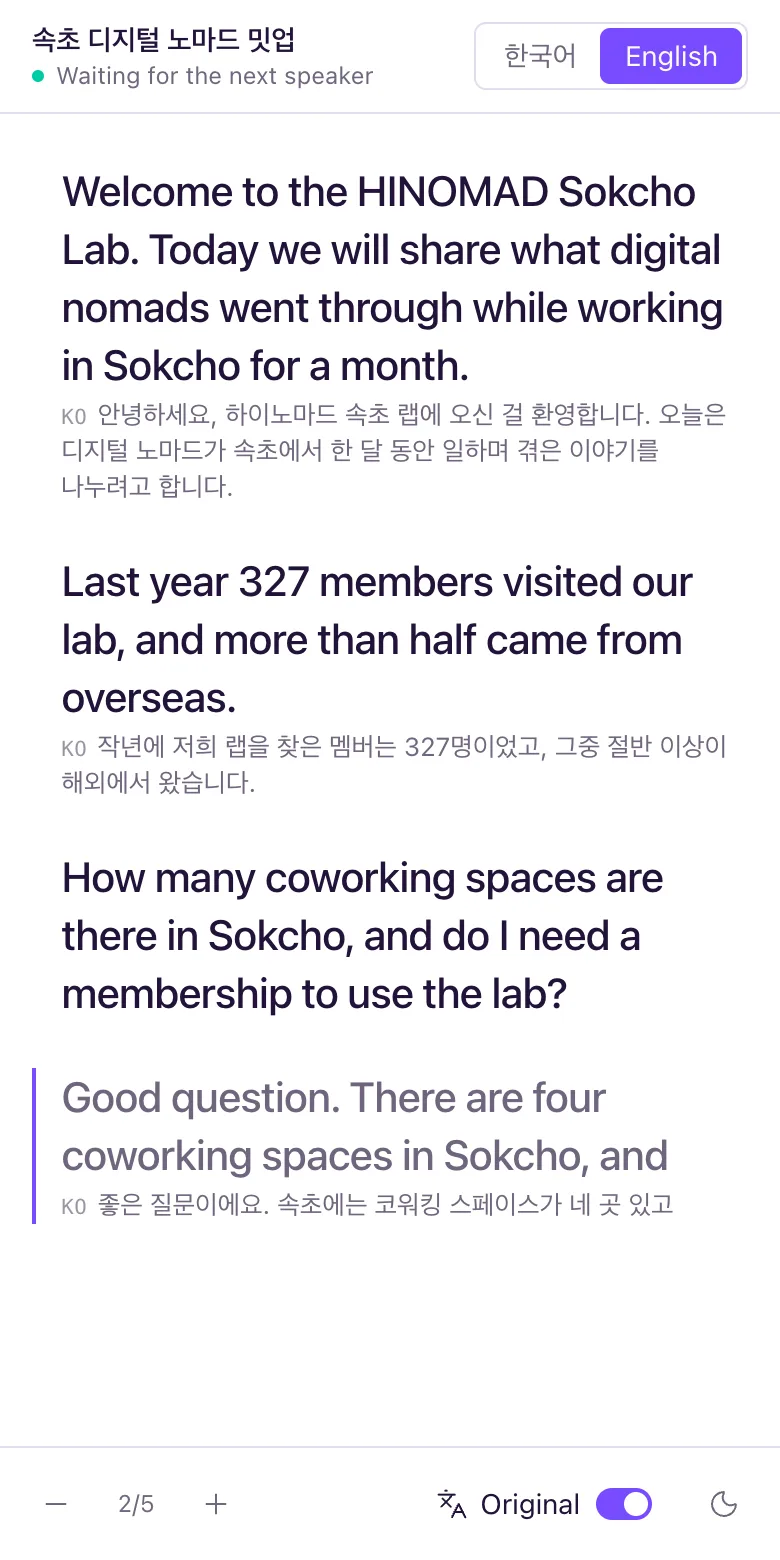

How it works on site
The host turns on captions from a laptop mic
It understands Korean and English and translates both ways. No separate translation app.
Attendees scan the QR code on screen
It opens straight in the phone browser. The caption panel moves left or right so the speaker never blocks it.
Translation first, original alongside
Read each sentence in your language first, with the original underneath when you need it.